Every home, in its place.
Keep an apartment, a family home or a rental together in one app. Each property has its own meters, payments and documents.
A little more peace of mind
Bills, meter readings and important documents. All together, for every place you call home. Plus Neighbors chat to stay in touch nearby.
Made for iPhone, iPad & Mac
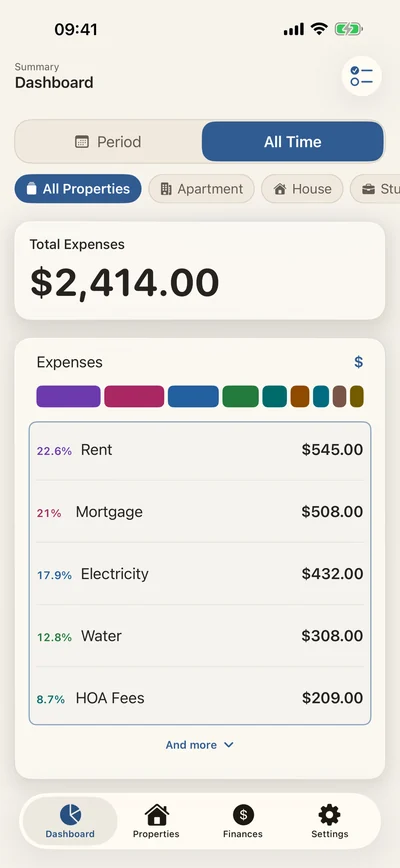
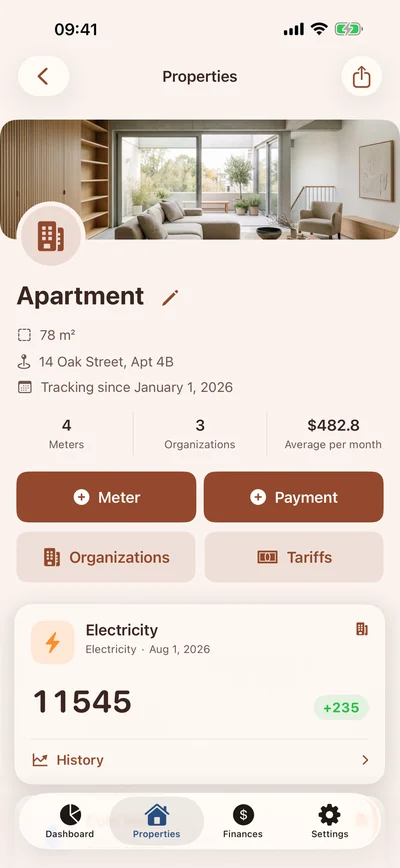
Actual app screens. Demo data.
THE EVERYDAY, IN ORDER
From the first reading to the last receipt. The details stay together, so you can get on with your day.
Keep an apartment, a family home or a rental together in one app. Each property has its own meters, payments and documents.
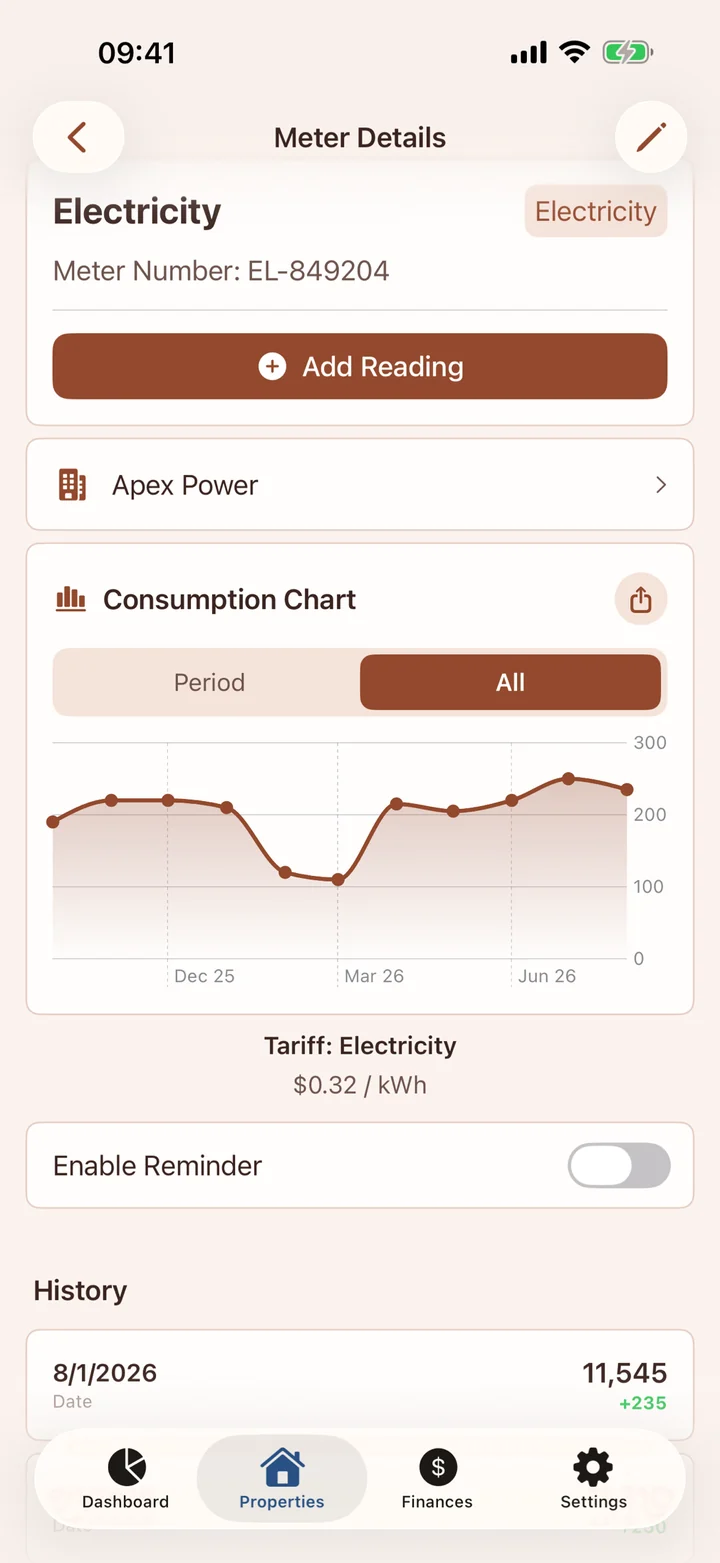
Record readings, compare consumption on a chart and keep your tariff history close. Set a reminder for the next reading.
Attach photos and PDFs to payments. Recognize receipt text or QR codes on your device, then check the details before saving.
A separate chat inside the app: send text, photos and voice messages over Bluetooth, even without internet. Optional relay connectivity also carries private text messages online. Property and payment data never enter the chat.
AROUND THE WORLD
From major cities to smaller regions, the app helps households stay organized wherever they live.
AT HOME ON YOUR DEVICES
Capture a reading on iPhone. Review the details on iPad. See the bigger picture on Mac. Turn on iCloud to keep your data in sync.
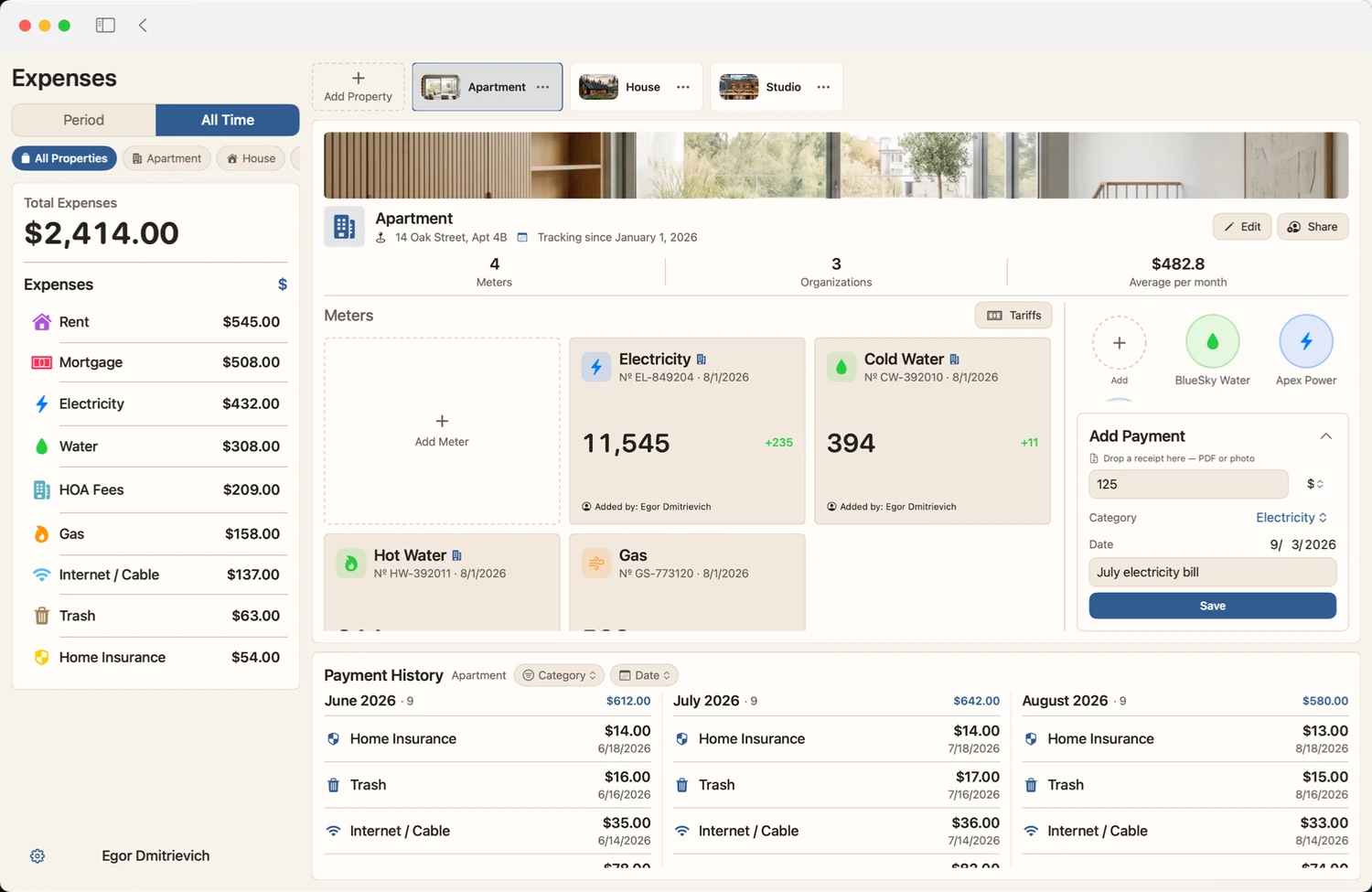
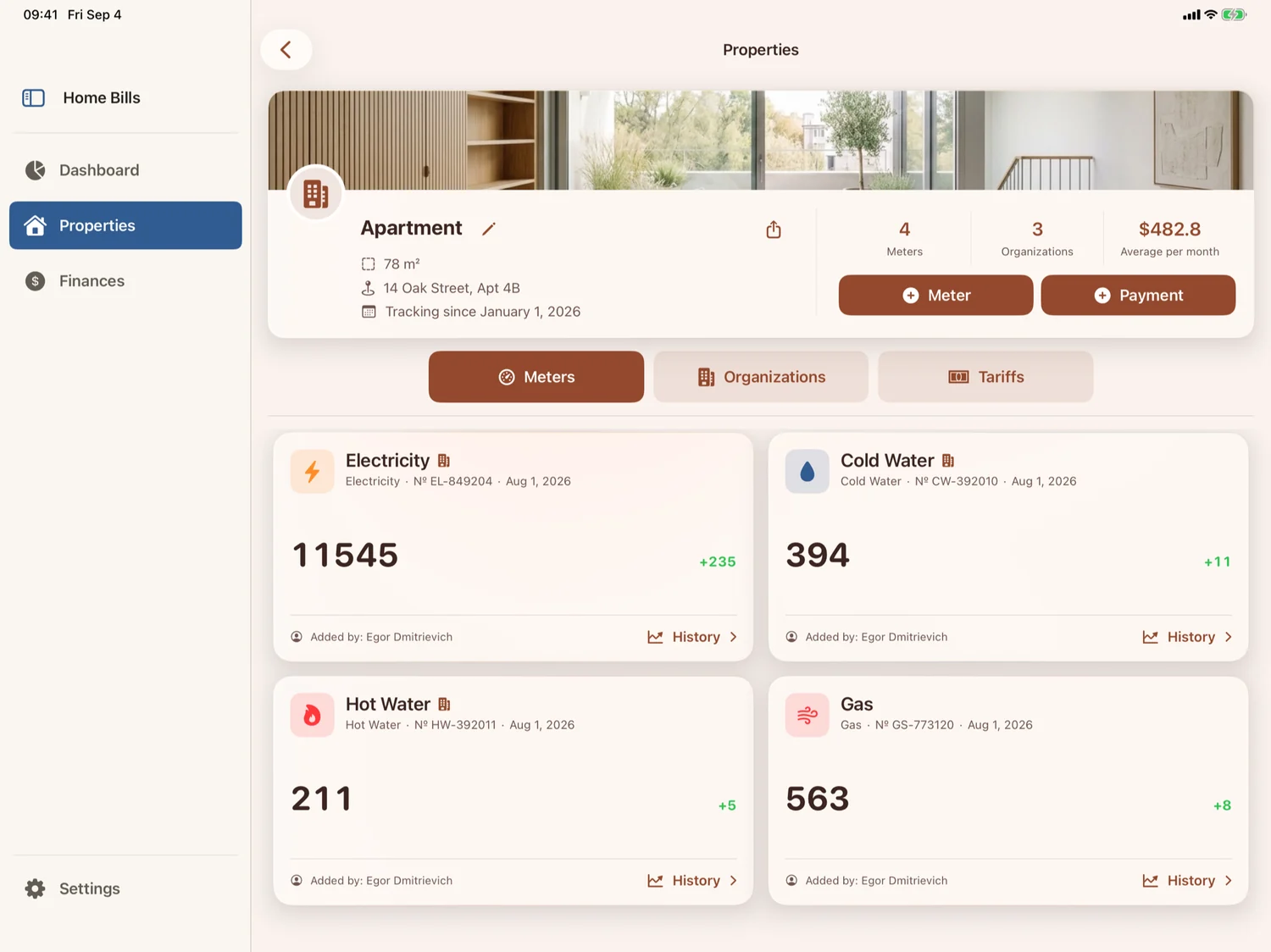
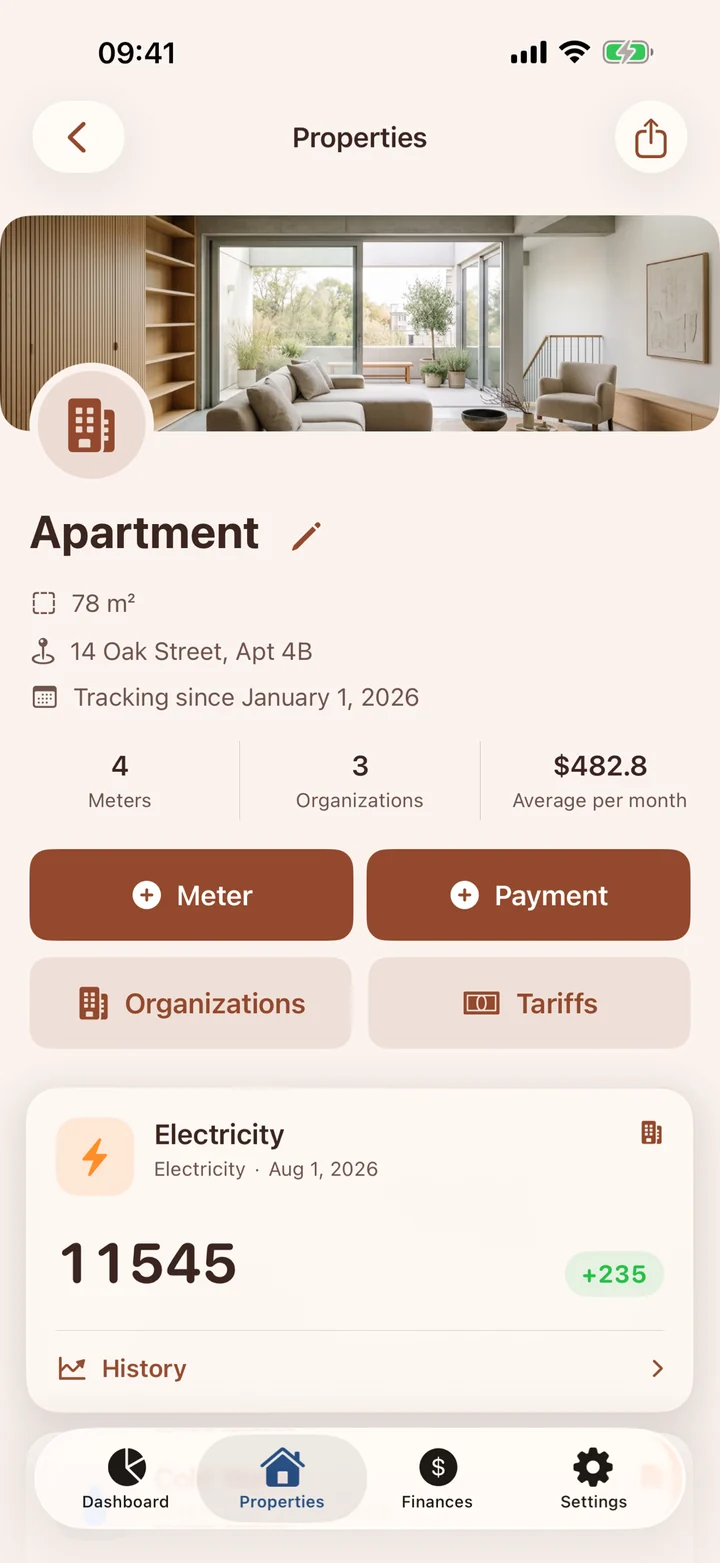
Actual app screens. Demo data.
BUILT AROUND YOUR PRIVACY
Your data starts on your device. You decide whether to turn on iCloud synchronization or invite someone to a property.
Privacy policyYes. Your everyday records live on your device and can be used offline. iCloud synchronization and sharing need an internet connection.
Yes. Keep separate properties in one app. An owner can invite others through iCloud and revoke their access. What participants can see depends on the sharing rules.
The app supports local backups and, when available, iCloud Drive backups. Password encryption is a separate option that you can enable in the app.
Text and QR recognition run on the device using Apple frameworks. You review the recognized details before saving. Attachments may sync through iCloud if you enable it.
A chat in the property section, independent of your home address. Bluetooth connects people nearby; optional internet connectivity extends private conversations. Photos and voice messages currently use Bluetooth. Range and delivery depend on devices and conditions: this is not a replacement for emergency services.
Bring the little things together. Leave more room for everything else.
Download on the App StoreMade for iPhone, iPad & Mac